
Shopify migration
WooCommerce to Shopify when WordPress is holding the store back.
WordPress stores with plugins, custom product data and years of content. We move the catalogue cleanly and protect the URLs that already rank.
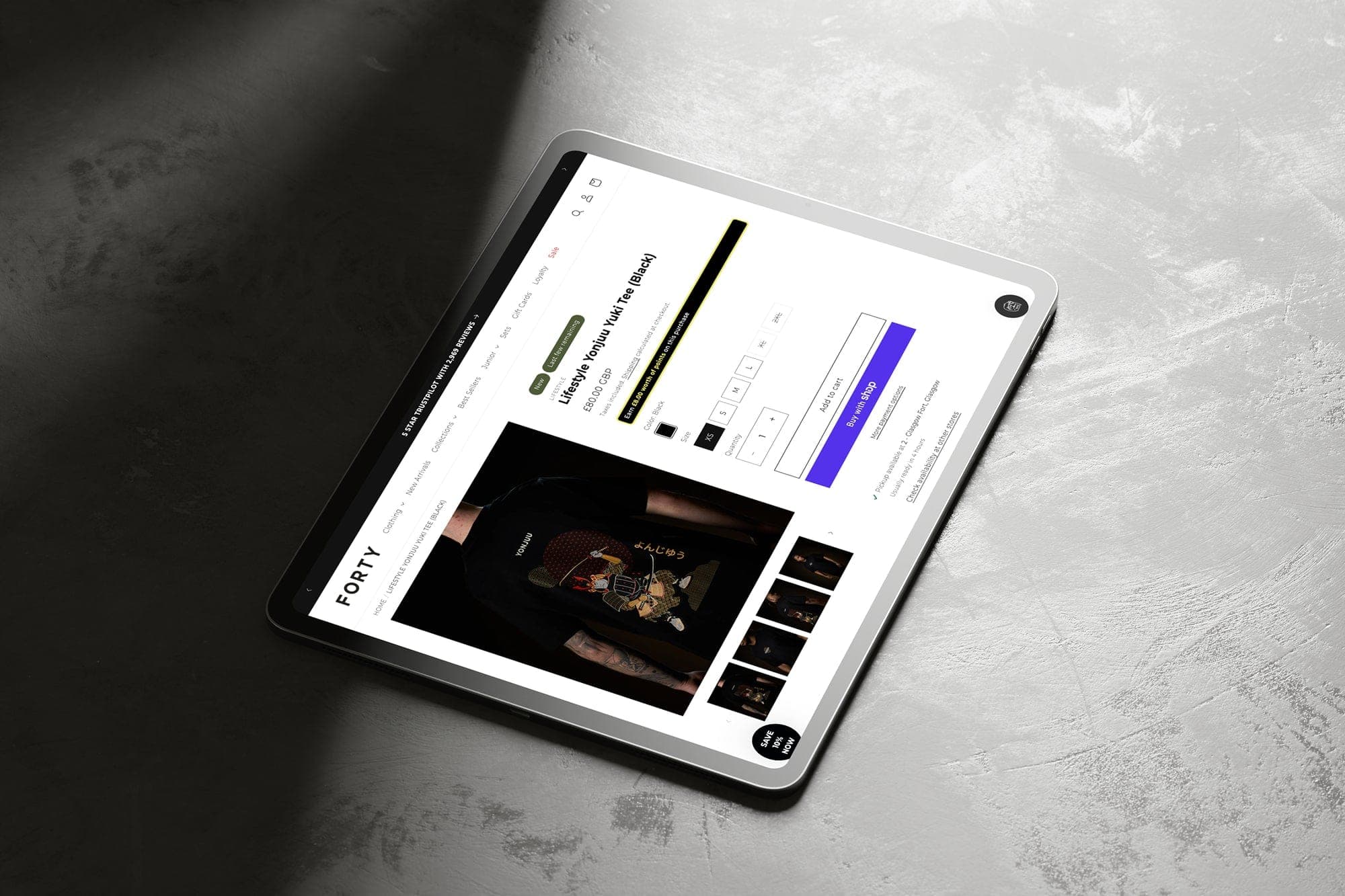
WooCommerce is fine until plugins, hosting and custom product fields start fighting each other. A WooCommerce to Shopify migration should keep the catalogue, customers and content that already work, and leave the fragile stack behind.
We export and clean products and variants, move customers and orders, map ranking URLs to Shopify, and rebuild the storefront so merchandising is simpler day to day.
Why people leave WooCommerce
WooCommerce starts as a plugin and grows into a stack. Page builders, checkout plugins and a host that was fine at a hundred orders become the reason the store is slow.
Updates are the usual breaking point. A Woo core update, a PHP change or a plugin conflict takes checkout down on a Friday. The person who installed it has left.
Wholesale is the other reason. Role-based prices, minimums and account applications were bolted on with plugins that do not agree with each other. Shopify B2B, or a deliberate app stack, is easier to own.
Teams also leave because merchandising needs a developer. A collection change should not be a ticket.
What breaks in the data
Variable products
Woo variations do not always match Shopify's variant limits or option names. We flatten or split ranges before the import, so the catalogue does not fail halfway.
Plugin data
Subscriptions, bundles and wholesale prices often live in plugin tables, not in the product. If we only export Woo's default fields, that commercial logic disappears.
Customers and orders
WordPress users and Woo customers are not the same list. Guest checkouts, duplicate emails and missing addresses need a cleanup pass.
Permalinks
Product, category and blog permalinks are whatever the site was set to years ago. Each pattern needs its own redirect rule.
Timeline and cost
Week 1
Inventory the plugins that hold price, stock or subscription state. Turn off the ones that are only decoration.
Weeks 2 to 5
Catalogue and customers move to staging. The theme is built so the team can merchandise without the page builder.
Weeks 5 to 7
Redirects, tax and any subscription or wholesale rules are rehearsed on staging.
Cutover
Often a long weekend. The WordPress site stays up in read-only form until redirects are confirmed.
Migrations and builds typically run £20,000 to £35,000, plus a monthly retainer. A smaller catalogue with a clean export sits at the lower end. Wholesale, an ERP and years of messy data sit at the higher end. We confirm the range after we have seen the store.
How the project runs
The first week is a plugin inventory. Price, stock, subscriptions and wholesale roles often live outside Woo's default tables. An export that ignores them looks complete and is missing the commercial logic.
Variations are checked against Shopify's limits before the import is trusted. Guest checkouts and duplicate customers are cleaned so the account list is people, not noise.
The theme is built so a collection change is not a developer ticket. Redirects follow the permalink settings you actually used, which are rarely the ones a fresh WordPress install would choose.
Cutover is often a long weekend. WordPress stays up, read only, until the new store is taking orders and the old one is not.
Checklist
- List every plugin that changes price, stock, checkout or customer roles.
- Export variations and check them against Shopify's variant limits.
- Separate wholesale prices from retail prices before import.
- Map product, category and blog permalinks.
- Decide what happens to subscriptions if a plugin owns them today.
- Plan the hosting cut so WordPress is not still taking orders after DNS moves.
What makes a WooCommerce migration different
Plugin sprawl
Years of plugins create overlapping logic. We decide what Shopify, an app or a small custom piece should own.
Custom product fields
ACF and plugin meta become Shopify metafields and options, with a structure your team can edit.
Blog and content
WordPress posts and pages that earn traffic get mapped and redirected, not dropped at cutover.
How it runs
01
Audit
We inspect the current platform, catalogue health, traffic URLs, integrations and what regular customers rely on.
02
Map
Data fields, URL redirects and cutover risks get written down. You see the plan before we move a product.
03
Migrate
Catalogue and customers move into staging. Structure is cleaned. Integrations and the storefront come together.
04
Rehearse
Redirects, accounts, checkout and the top landing pages are tested. Cutover is practised, not hoped for.
05
Launch and watch
Go live on the agreed window. We monitor Search Console, 404s and the first trading days with you.
Also in the move
Design and build
The new storefront, product structure and content templates that make the migration worth doing.
Apps and integrations
ERP, 3PL and the tools around the store, connected so stock and orders stay true after cutover.
Ongoing support
Monitoring and improvements once the new platform is live. Month to month, no lock-in.
WooCommerce to Shopify questions
Do you move the WordPress blog?
Yes when it earns traffic or supports the brand. Posts can live on Shopify or stay on WordPress with clear redirects and a shared customer journey.
What about WooCommerce subscriptions?
Subscription logic is planned case by case. We map active subscribers and the apps or native tools that should own renewals on Shopify.
Other platforms
Talk about your WooCommerce move
Send the store URL and what you are most worried about losing. We will tell you what to protect first.
Prefer a call? Book a call.